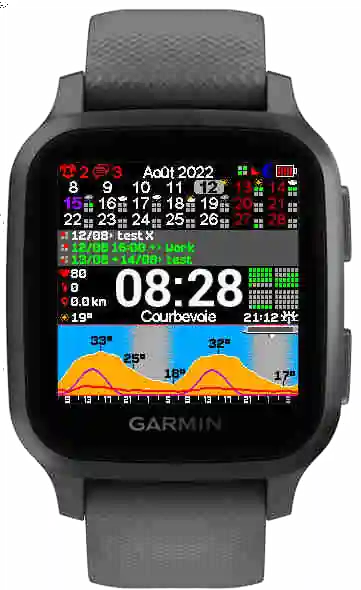
Legacy version
This guide covers KairosEye v1, which uses iCal URLs for calendar sync. The current version is v2 — see the v2 Quick Start →
📝 Preamble
To get started with KairosEye v1, just follow a few simple steps:
- ⌚ Install KairosEye on your Garmin Watch
- 🔗 Link your watch to your Google Calendar account
- ☁️ Wait for weather and calendar sync
- 😎 Enjoy!
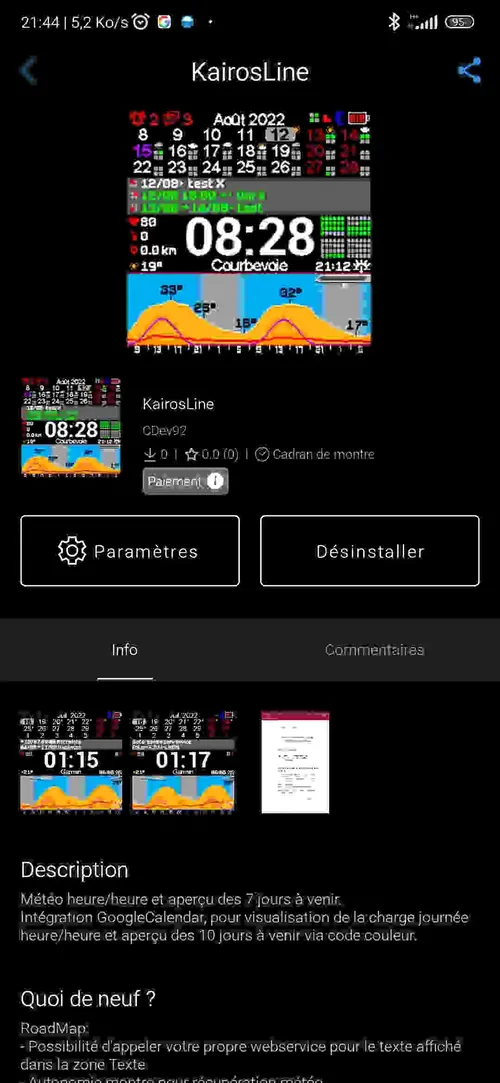
📲 Install KairosEye
Install the watch app from the Garmin Connect IQ Store.
Make sure:
- Your watch is connected to your phone via Bluetooth 🔵
- Your phone is connected to the internet 🌐
🔗 Link your watch to your Google Calendar
You can sync:
- ✅ Up to 3 calendars in the paid version
- 🆓 Only 1 calendar in the free version
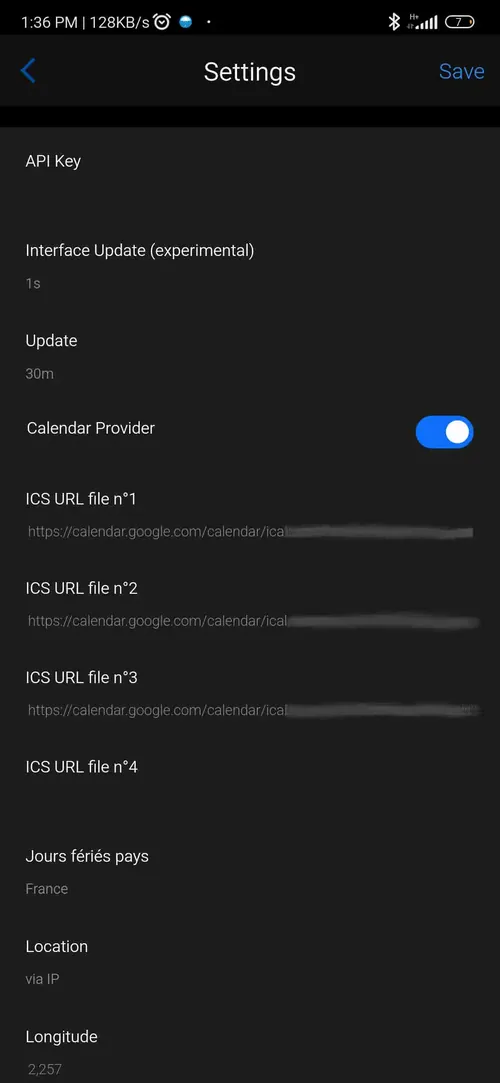
👉 Get your calendar sharing URL here:
🍎 Link your watch to your Apple Webcal Calendar
You can also connect to your Apple Webcal calendar. ▶️ Watch this short video tutorial:
🔐 Details
Enter your Secret address in iCal format. Supported providers:
- Google Calendar
- Apple Webcal
⏳ Wait for Weather & Calendar Sync
Just wait a few moments... then ✨ enjoy your smart watchface!